Set up your farm organisation
How an AgCore Organisation holds one farm employer, when to create another, and what becomes available after setup.
What an Organisation is
An Organisation in AgCore is one contained employing business, with its own legal name, ABN or ACN, entity type and compliance records. It belongs to an Account. That's the paying umbrella that can hold one Organisation or several.
Use a separate Organisation when the legal employer changes. A second paddock, shed or crew doesn't need one by itself: the property map and Departments organise the land and work inside the same business.
Why the structure matters
Employee records, agreements, Time Entries, pay settings and reports all belong to one Organisation. This trips people up: switching Organisations changes the business you're working in, but it doesn't move a record from one business to another.
Departments sit inside an Organisation. They group work areas such as the packing shed or orchard, route workers and split reports. A Department does not set anyone's pay.
Keeping those records together matters when you have to produce them later. The Fair Work Ombudsman explains which employment records must be kept and the seven-year retention period in its record-keeping guide. For the wider structure, read how Accounts, Organisations, properties and Departments fit together.
What AgCore keeps about the business
You don't need every business detail at hand before you start. The setup form asks for the name people will recognise and the business location. You can start from an address or place the Property Pin on the map. The legal name and ABN can wait until later.
AgCore uses the location to select a starting timezone. Afterwards, Organisation details holds the business name, legal business name, entity type, ABN or ACN, registered address and timezone. Property boundaries, water and infrastructure stay with the property on the Map.
The signed-in Organisation setup guide shows the current form, map option and where to check these details.
What setting one up gets you
Once the Organisation exists, AgCore makes it active and opens Property Setup at the Boundary step. From there you can map the property, add Departments when separate work areas help your reports, and bring in the people who work for the business.
You can add another Organisation later from the Account's Organisations list. It stays separate from the first one, while the same Account owner can switch between both.
Open AgCore
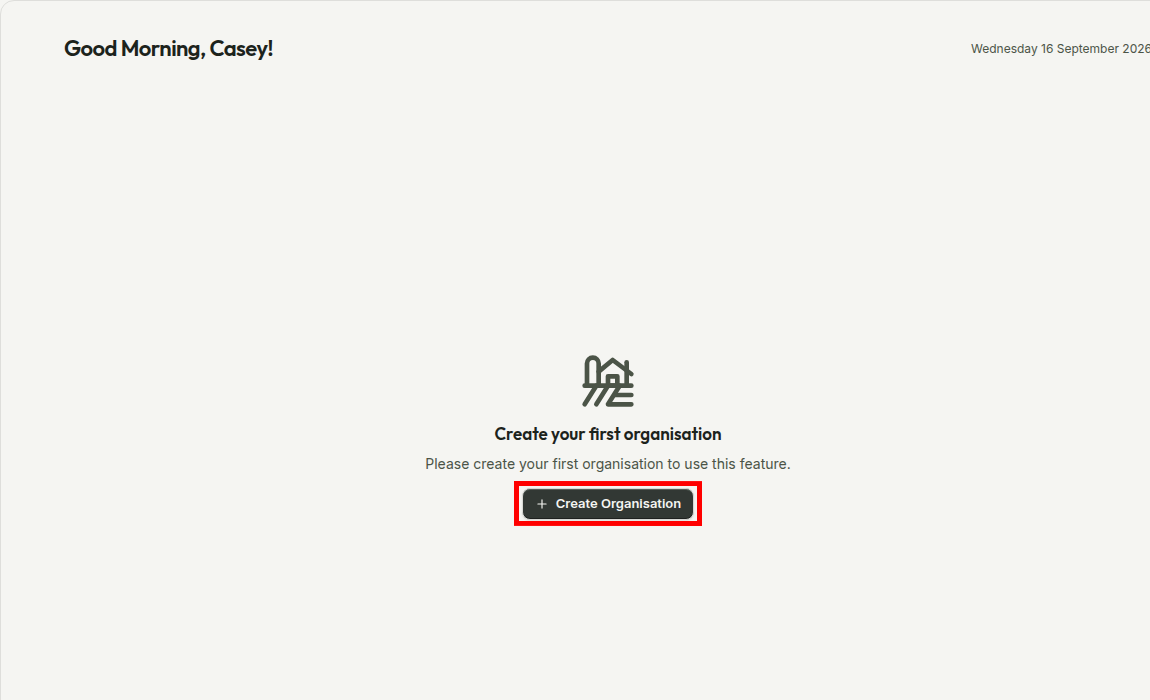
Already have a login? Open the dashboard. If your Account has no Organisation yet, the Create Organisation action is waiting there. The Map and account menu open the same form.
No account yet? Start a free 60-day trial — the full product, no credit card.