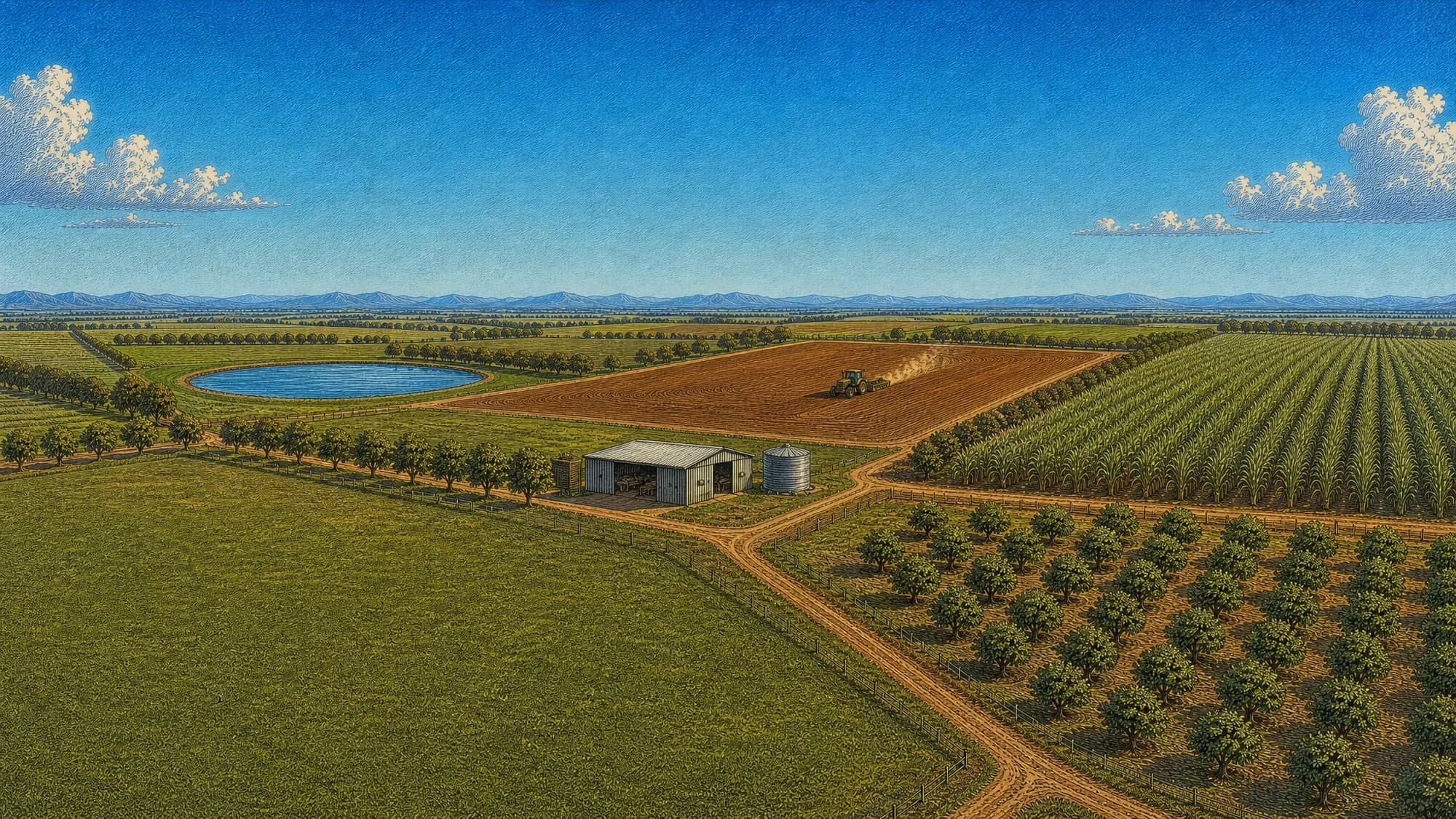
AgCore lets you map your farm and run the season
Map the property, staff the season and keep the records — in one login, built in Queensland.
Where it runs
- Arriga
- Mareeba
- Dimbulah
- Atherton
Built on a Far North Queensland farm and run on that farm from the first season.
Farm mapping from the Queensland cadastreand every block and roster hangs off it
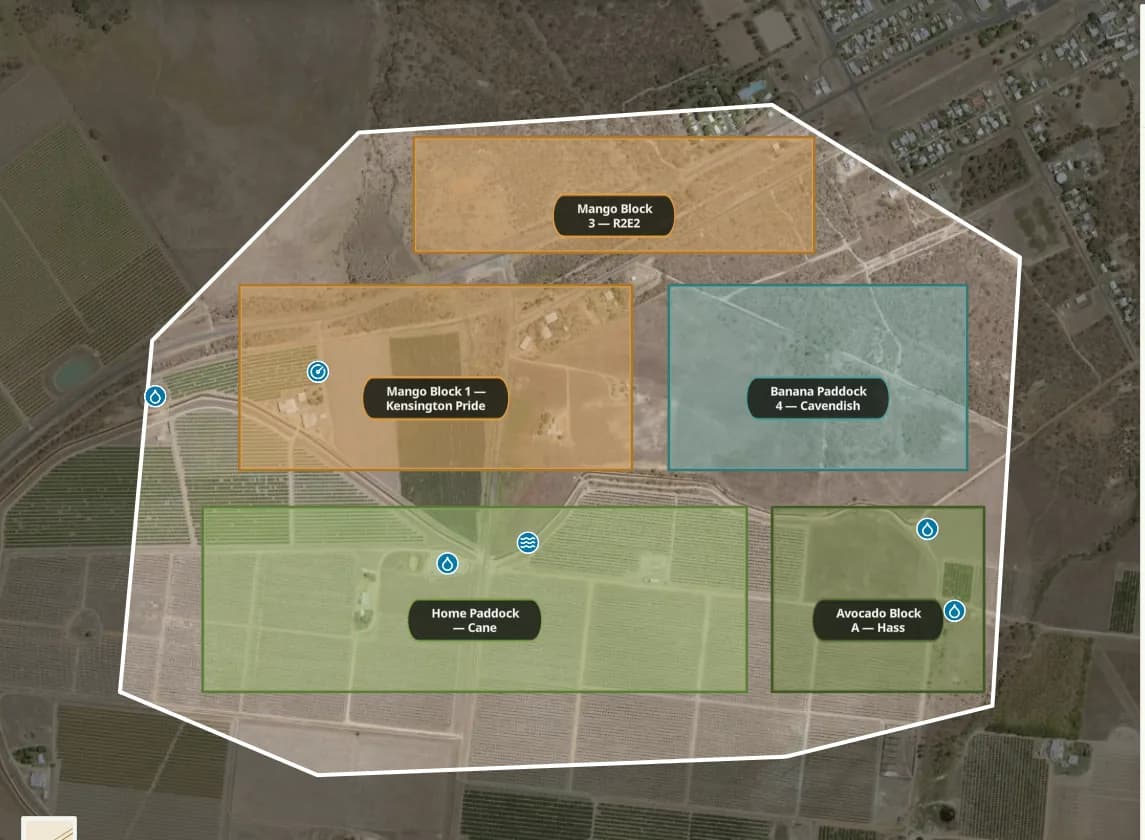
Real boundariesYour blocks come from the Queensland cadastre, not a line traced over a satellite photo.
Lot and plan keptEach one carries its lot and plan, its real area, and the tree rows and water sitting on it.
Leased ground tooSeveral blocks, several properties and leased ground all sit under the one organisation.
Make an account and the property record becomes the map every roster and record hangs off.
Get startedLearn how to run a season
Read the chapter, then AgCore turns it into your blocks, your crew and your records.
Put the guide to work
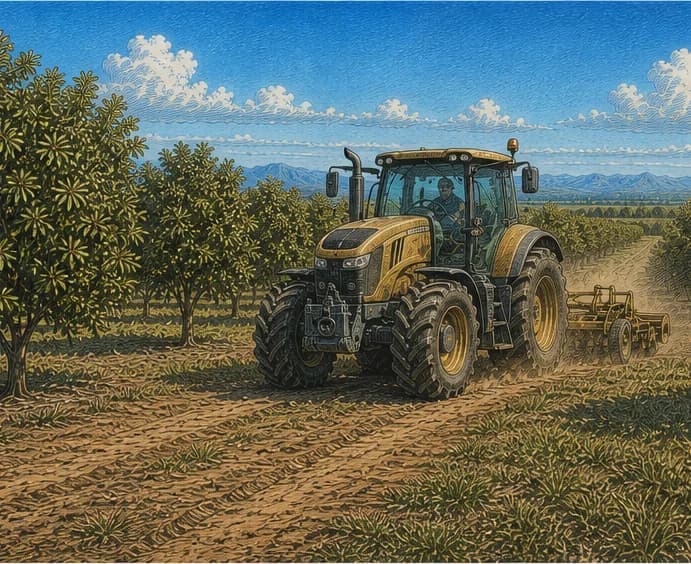
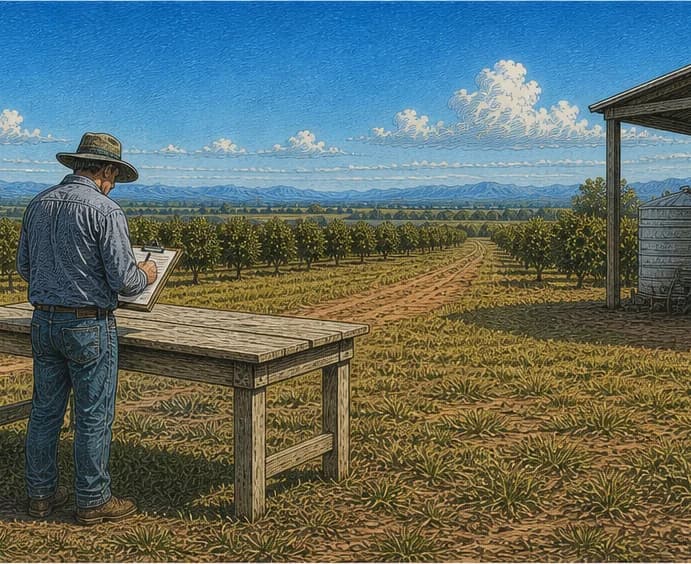
Run a real farm businesswith the record already made for you
Pick the record you need kept first. AgCore keeps it current as the season runs.
Start your seasonYour whole operation on one map
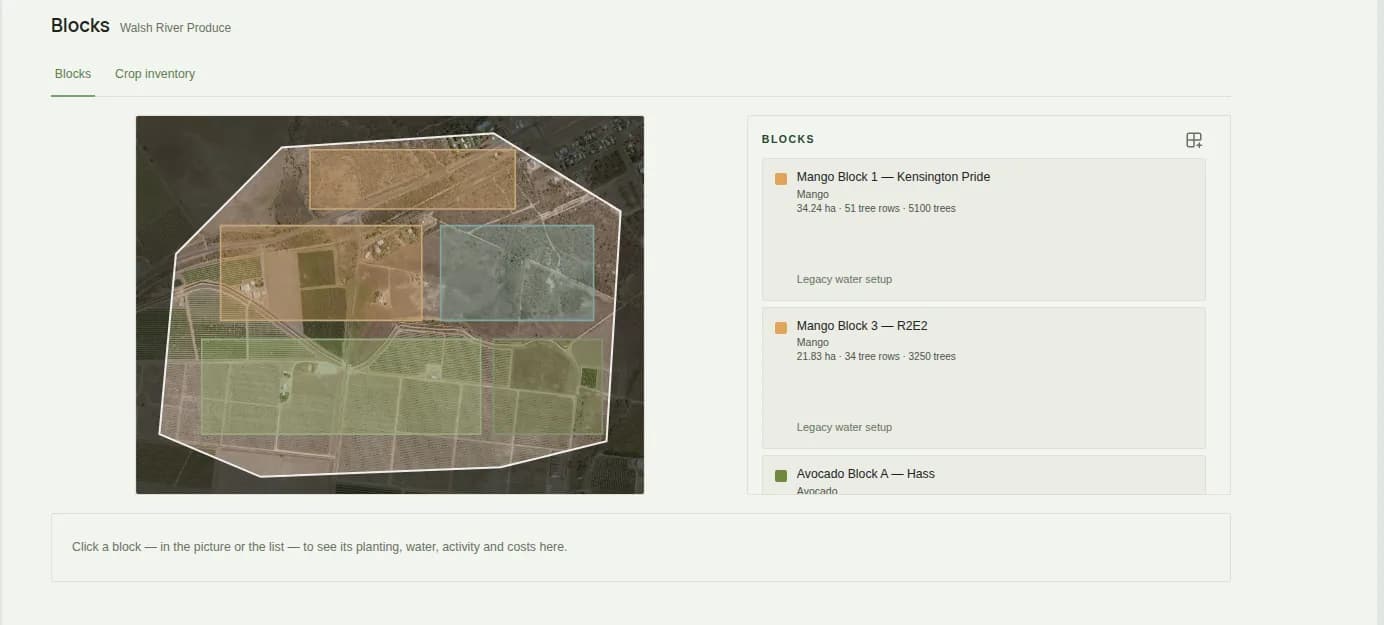
Blocks, tree rows, water and soil sit on one property record, drawn from the survey cadastre rather than sketched over a photo — so your hectares are the real ones.
The right people, onboarded once
Your worker fills in your employment form on their phone before the first shift, and it lands in your records complete — no re-keying names, visas or bank details.
The season run from one place
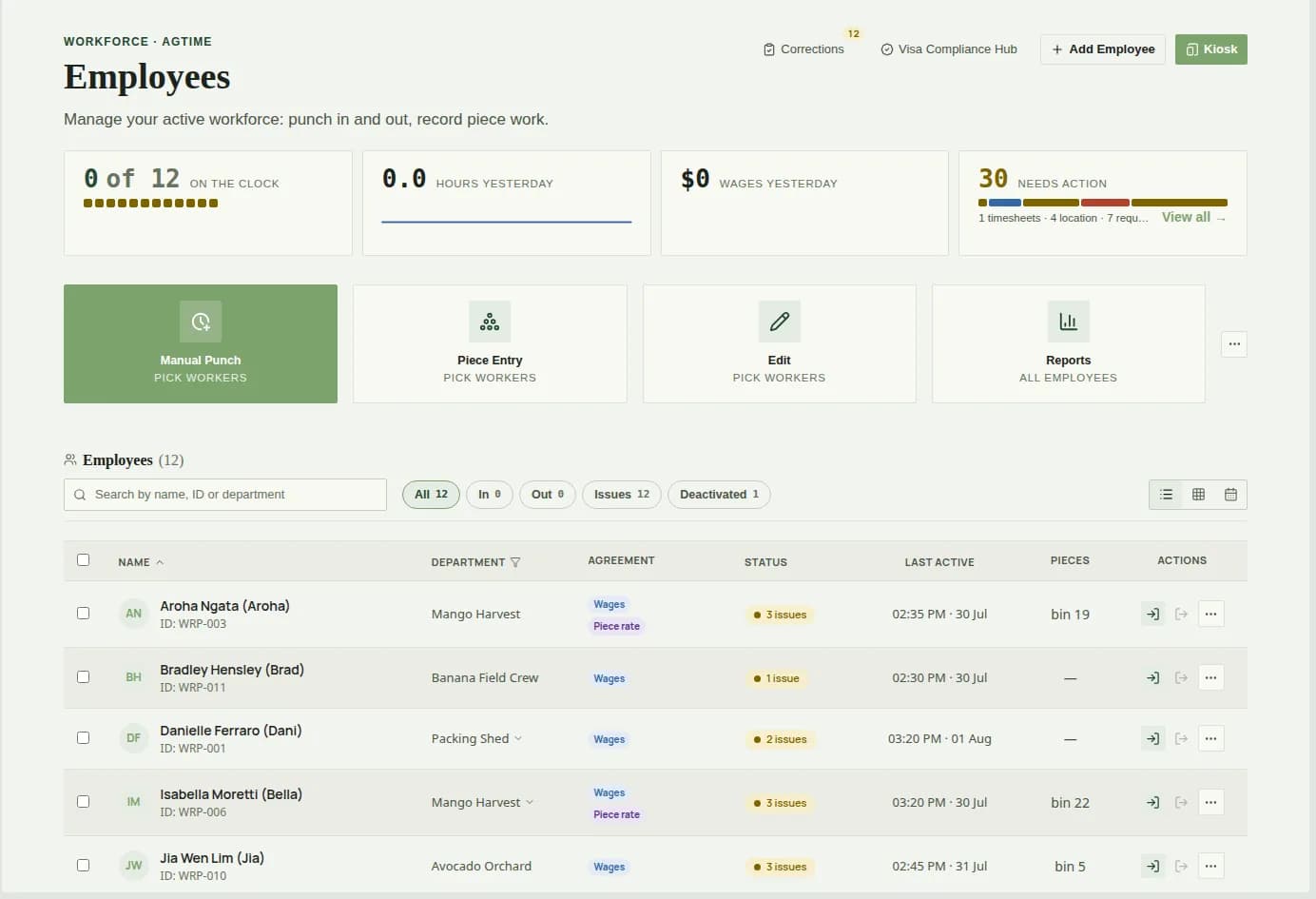
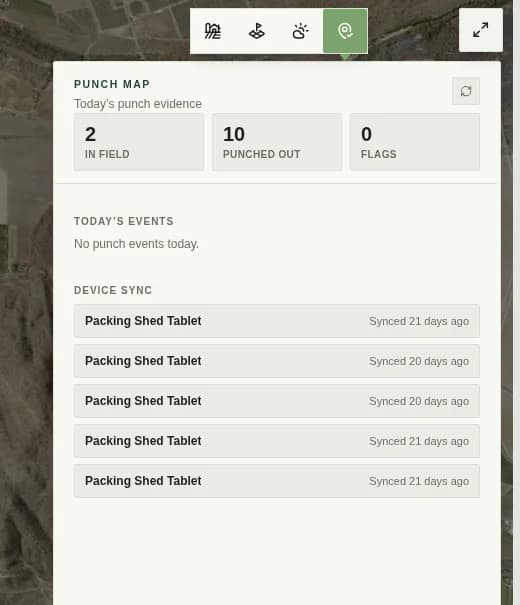
Punch in and out, record piece work, and watch the day build — hours, wages and what needs attention — while the fruit is still in the bin, not the week after.
Records ready when someone asks
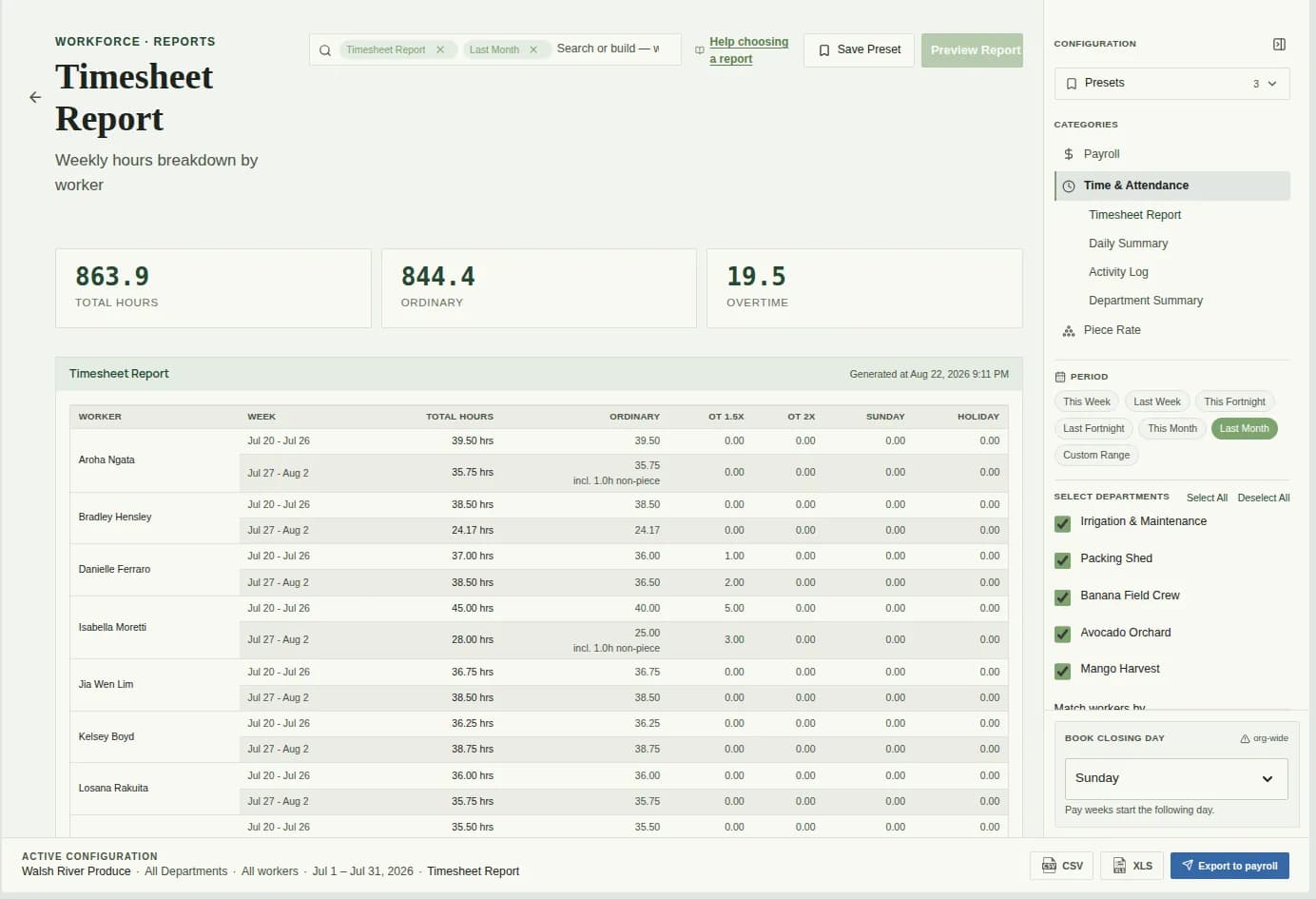
Weekly hours by worker, ordinary and overtime split out, piece entries beside them, and the export your payroll system reads — in the shape the Award asks for.
All the tools a farm needs in one login, one record
One record for the block, the crew and the week — and one place to answer for it.
Built across the farm gate
From cane and orchard blocks to packing sheds and labour-hire crews, AgCore keeps the record every farm has to keep.
- CANE FARM
- ORCHARD
- PACKING SHED
- LABOUR HIRE
- BANANA FARM
- VINEYARD
- NURSERY
- CONTRACTOR
- GRAIN GROWER
- COTTON GIN